Auto-publish to every channel from one post
One post, published to Instagram, Facebook and LinkedIn at once.
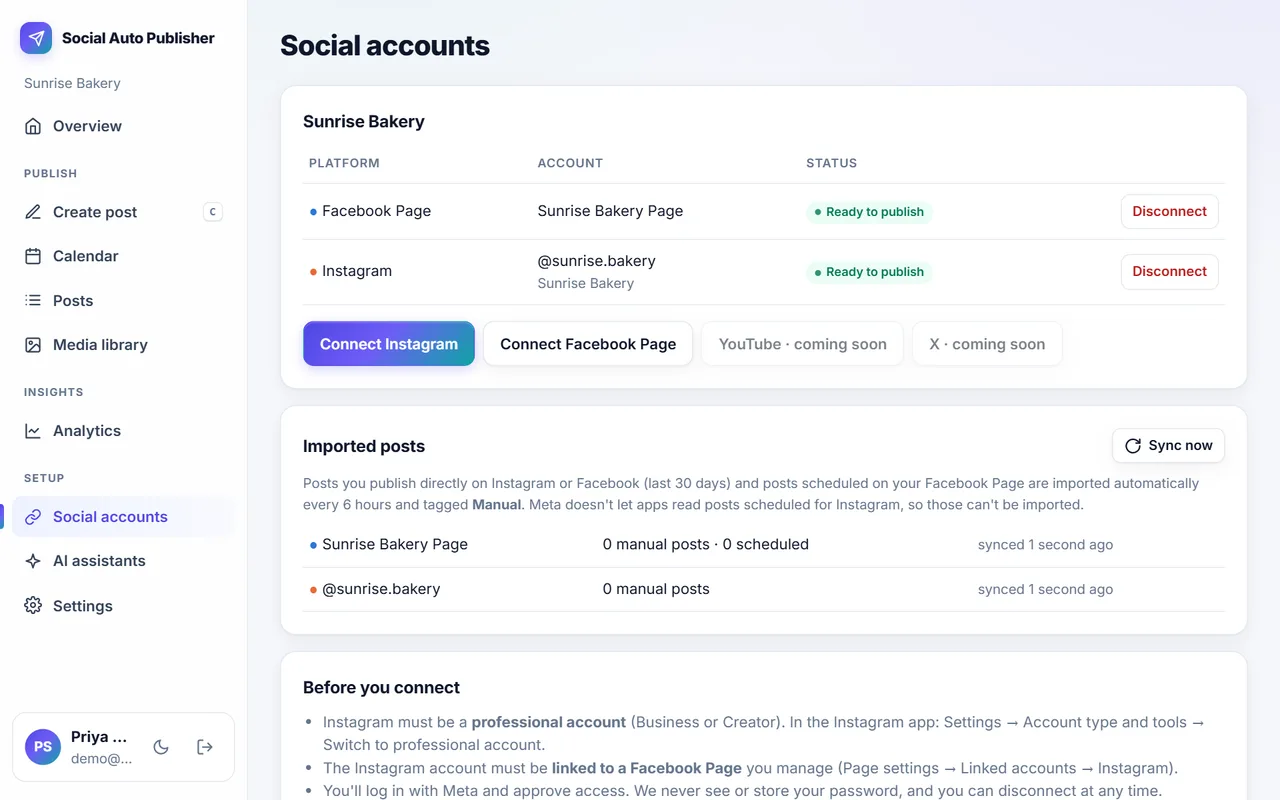
Connect your accounts with the networks' official sign-in screens, then send the same post to all of them, each in the right format. YouTube and X are coming soon.
Single images, carousels, videos and Reels on Business or Creator accounts.
Facebook Pages
Photo, video and text posts on the Pages you manage.
Text posts and posts with up to 20 images on your profile, and on company pages once LinkedIn approves page access.
Official sign-in
You connect through Meta's and LinkedIn's own screens. We never ask for or store your passwords.
Removed-post detection
If a post is deleted on Instagram or Facebook, it's marked Removed here with a one-click Repost.
Manual posts imported
Posts you make directly in the apps (last 30 days) are imported and tagged Manual, so your history is complete.
How to use it
More products
Multi-Network Publishing: frequently asked questions
Can I post to Instagram, Facebook and LinkedIn at the same time?
Yes. Pick the channels when you create the post and it's published to all of them, with each network's limits checked first.
Does auto-publishing work for Instagram Reels and carousels?
Yes. Single images, carousels of up to 20 items, videos and Reels are supported.
How do I know a post really went out?
A post is marked Published only when the network confirms it, with a link to the live post. Failures show the reason and a Retry button.
Try it with next week's posts
The free plan needs no card. Set up takes about ten minutes.
Create your free account