Schedule your social media posts in one sitting
Wavely is a simple social media scheduler for freelancers, small businesses and developers. Write your post once, pick a time, and it goes out on Instagram, Facebook, LinkedIn, Threads and YouTube, automatically.
Free plan. No credit card needed.
 Instagram
 Facebook
 LinkedIn
 Threads
 YouTubeCanva · Adobe Express · Google Business, coming soon
Freelancers, small businesses and developers
Three simple steps
No software to install. If you can post on Instagram, you can use Wavely.
- 1
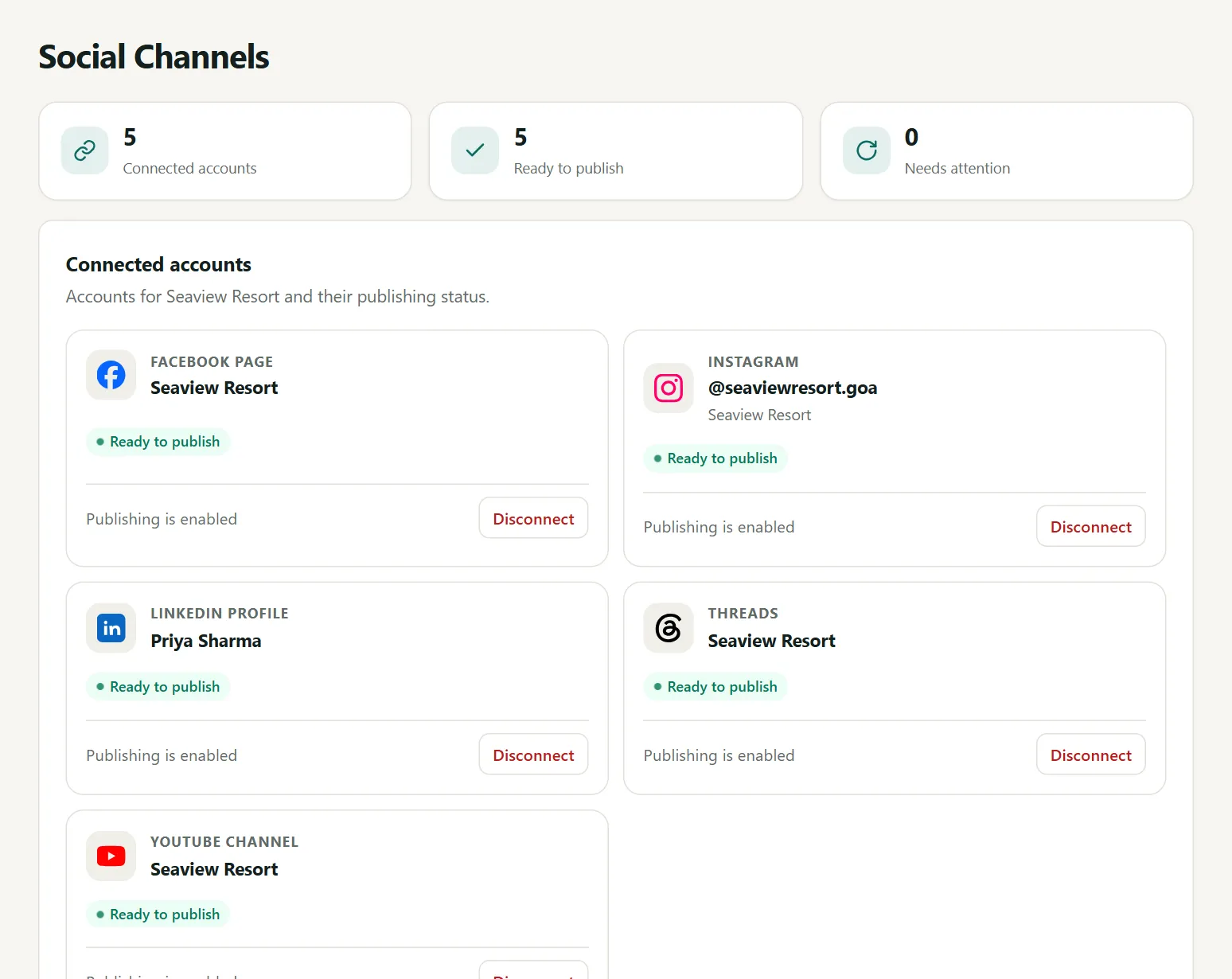
Connect your accounts
Log in to Instagram, Facebook and your other accounts. It takes about two minutes.
- 2
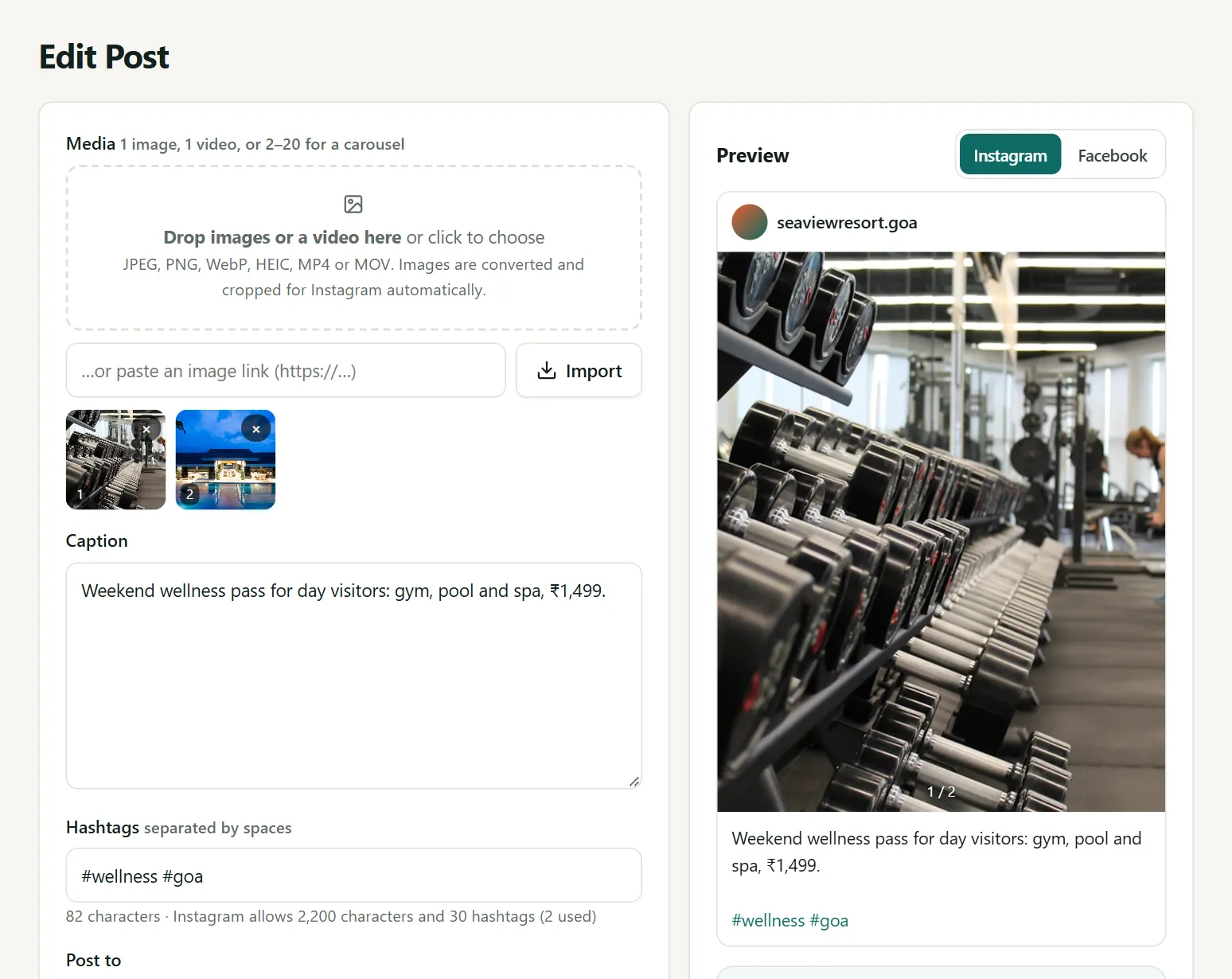
Write your post
Add a photo or video and a few words. You see exactly how it will look before it goes out.
- 3
Pick a time
Choose the day and time. Wavely posts it for you, even when you're busy.
Everything for your social media, in one place
Plan, post and check results without jumping between apps.
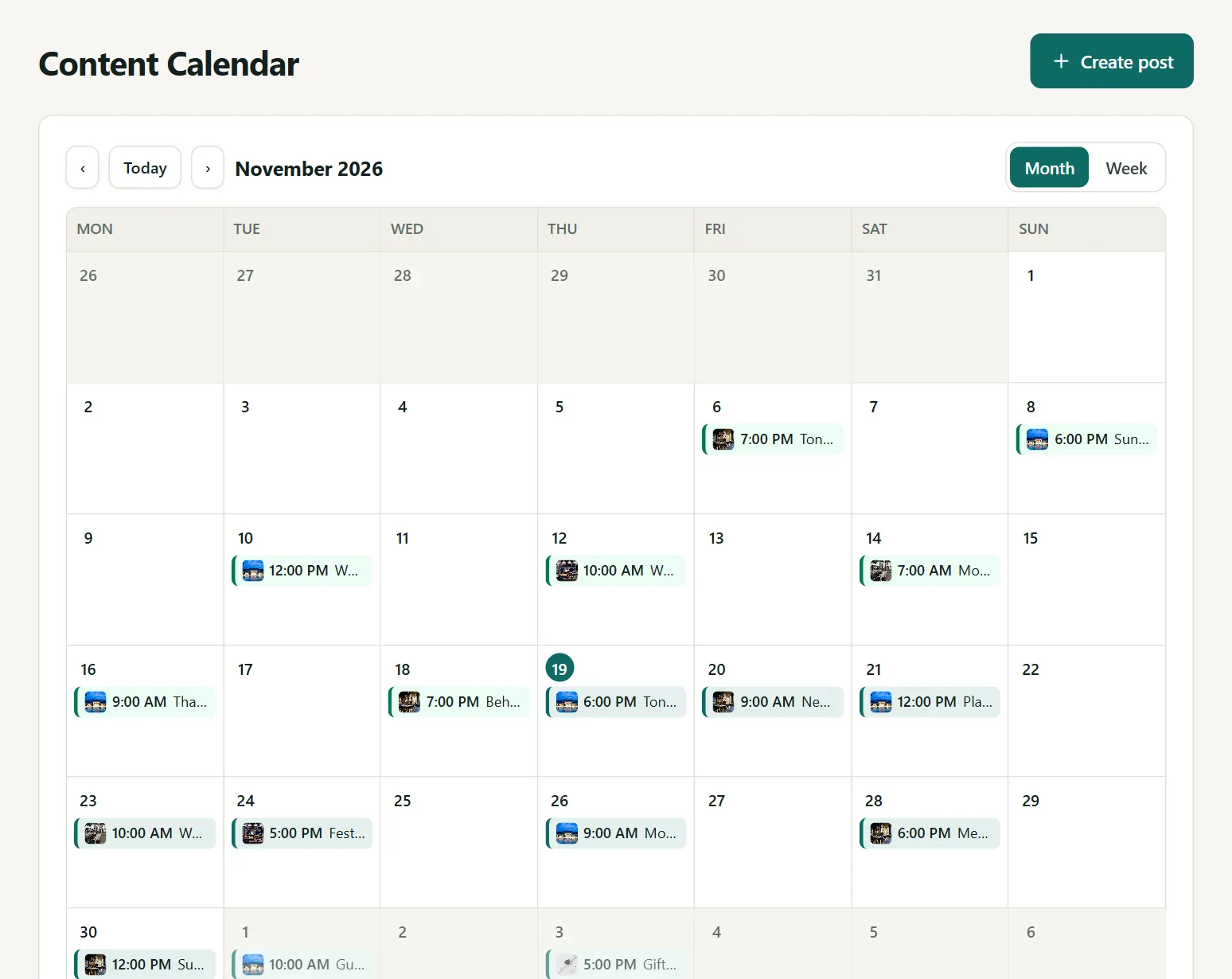
See your whole month at a glance
Every post you have planned sits on one calendar. To change the day, just drag the post.
- Plan up to 75 days ahead
- Times are in your local time zone
- Posts you made on Instagram or Facebook show up too
One post, all your accounts
Write it once. Wavely fixes the size of your photo for each app and shows you a preview first.
- Photos, videos, Reels and carousels
- A preview for each app before you post
- Paste pictures made in Canva, ChatGPT or on your phone
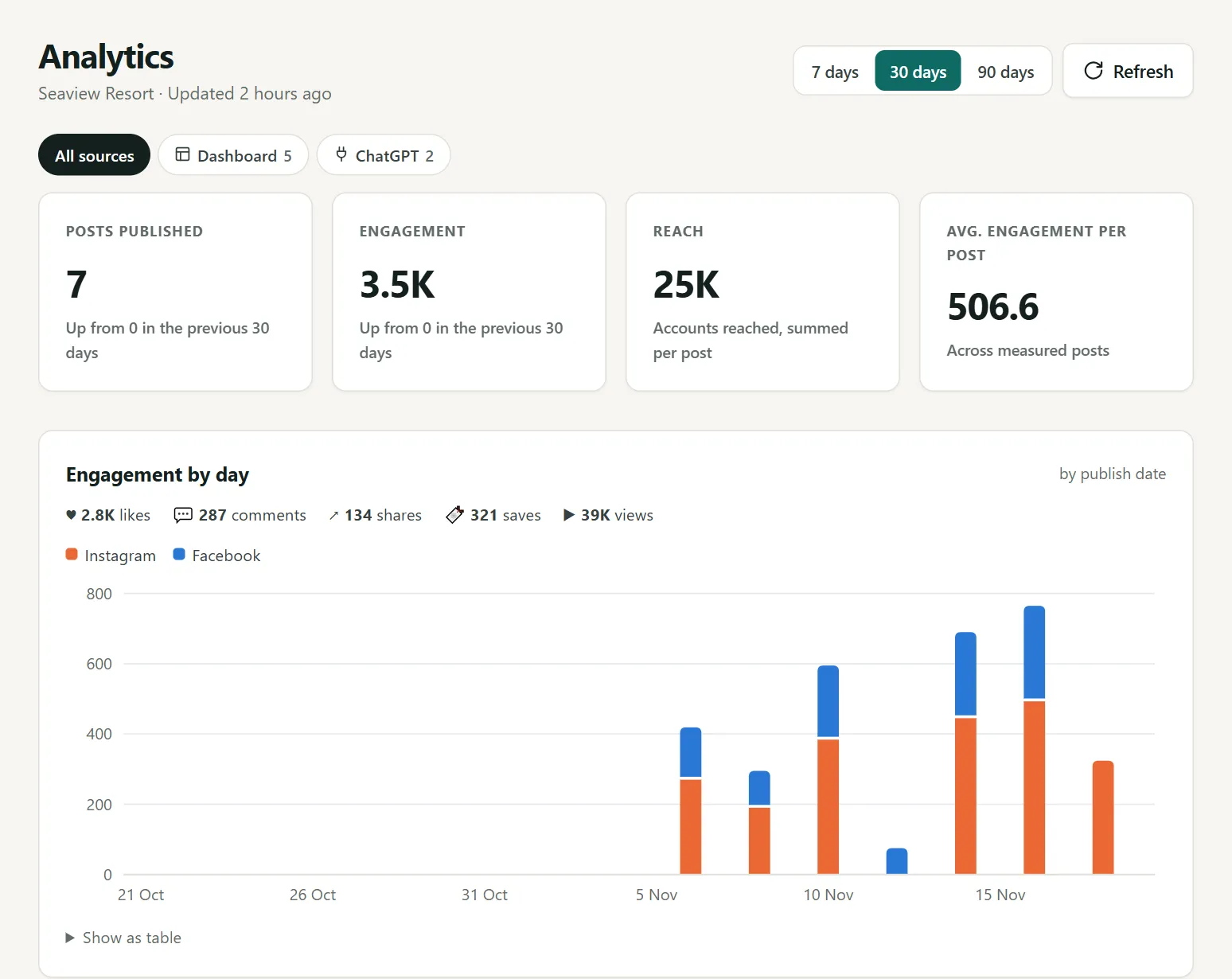
See what your customers like
Likes, comments and reach in simple charts. Find your best posts and the best time to post.
- Results for every post
- Best day and time to post, from your own results
- Updates every 6 hours by itself
Never miss a post
Every post shows if it is waiting, posted or needs your attention. If something goes wrong, you get an email and a Retry button.
- Clear status for every account
- Your team can send posts to you for approval
- Manage more than one business from one login
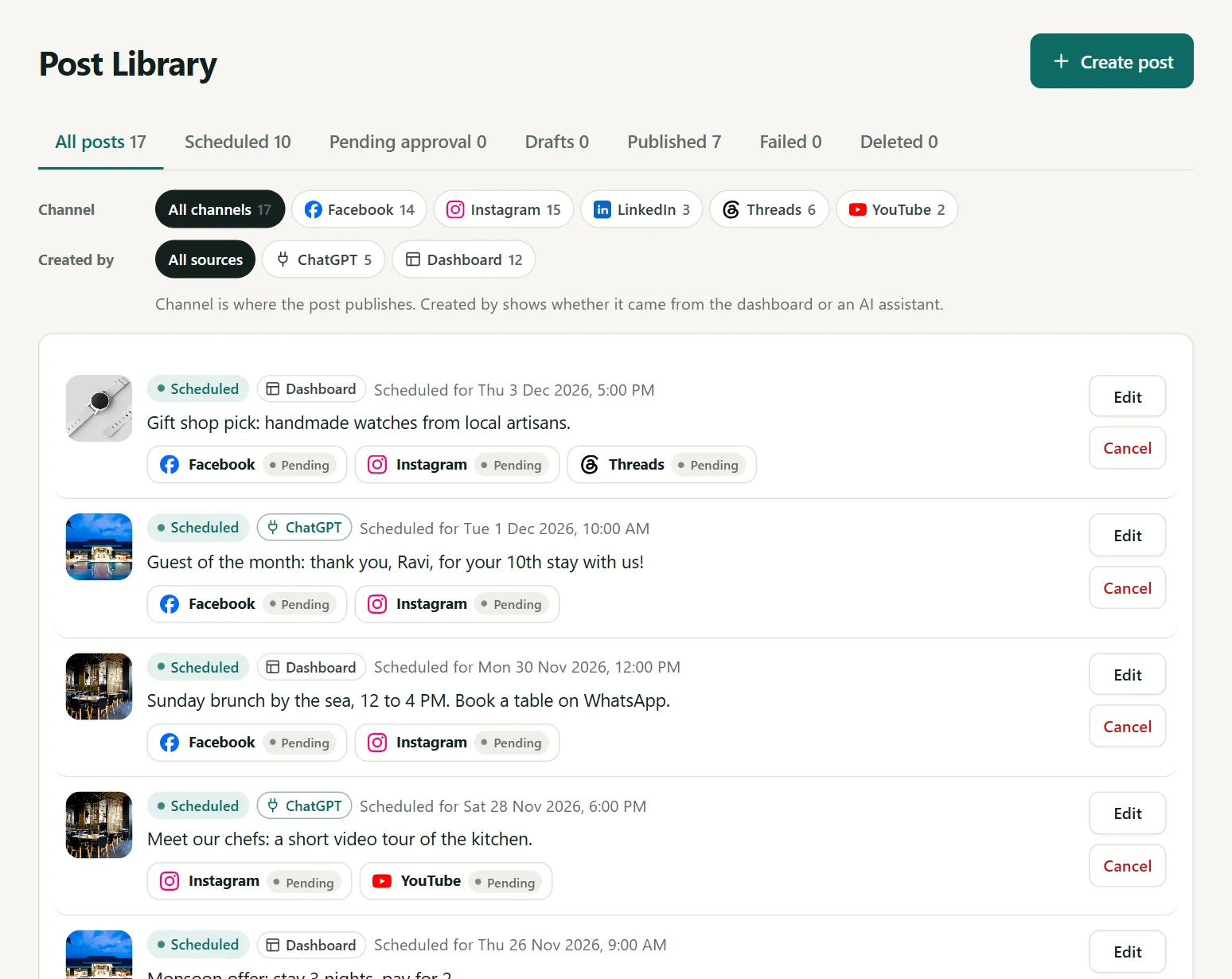
Or just ask ChatGPT or Claude
Connect your AI assistant once. Then type what you want, like "make a Diwali offer post for Saturday". It makes the picture and the words, and shows you a preview. Nothing is posted until you say yes.
- Works with ChatGPT, Claude and Google Gemini
- You approve every post before it goes out
- Pictures made in any AI tool can be uploaded too
Made for businesses like yours
Shops, restaurants, hotels, salons, online brands and the agencies that help them.
 Small business & retailStay visible every week without giving up your evenings.
 Restaurants & cafésFill tables with timely menu, offer and event posts.
 Hotels, homestays & travelInspire bookings season after season.
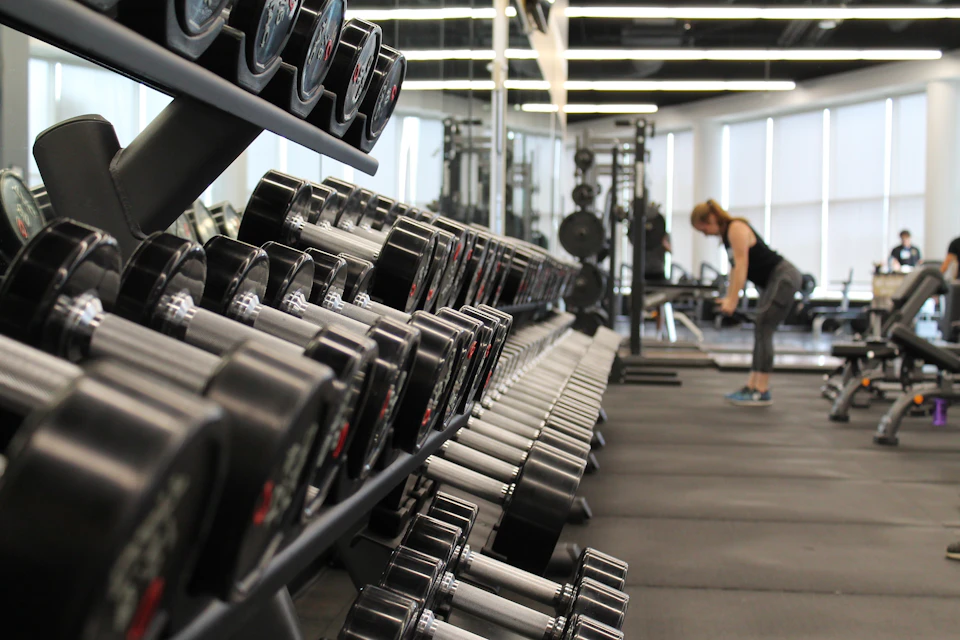 Salons, beauty & fitnessShow transformations, fill appointment slots and keep members motivated.
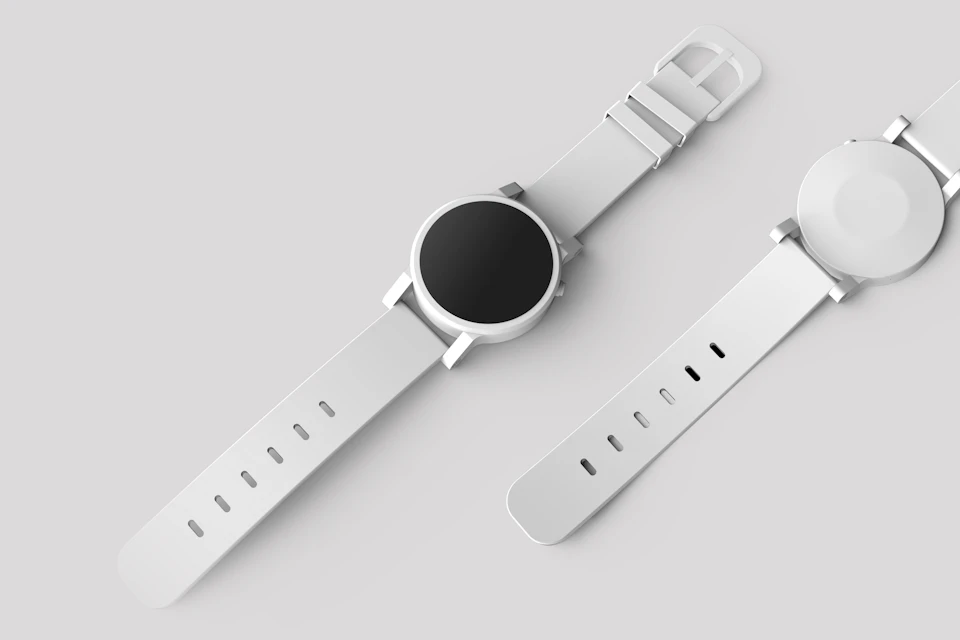 E-commerce & D2C brandsKeep product launches, drops and sales on schedule across every channel.
 Agencies & freelancersManage every client's accounts from one login, with client approvals.
Free tools, no sign-up
Handy calculators and checkers for your posts and ads. Use them right now.
Free to start, priced in rupees
Use the free plan for as long as you like. Upgrade when you post more or manage clients.
Social media scheduling: common questions
Which accounts can I connect?
Instagram professional accounts (Business or Creator), Facebook Pages, Threads profiles, YouTube channels, and LinkedIn (your profile today; company pages once LinkedIn approves page access for the app). A personal Instagram profile can be switched to a professional account for free in the Instagram app.
Do you need my passwords?
No. You connect through each network's own sign-in screen (Meta, LinkedIn, Google) and approve access there. We store only the access they grant, encrypted, and you can disconnect at any time.
Which AI tools work with it?
Any of them. Make an image in ChatGPT, Gemini, Claude, Copilot, Canva or anything else, then share it to the app from your phone, paste it, or upload it in Create post. ChatGPT, Claude and Google Gemini can also connect to prepare posts and use the publishing tools from a conversation; publishing actions require your confirmation.
Will my posts go out if my computer is off?
The scheduler needs the server to be running. With the current PC setup, keep the computer on and online; posts due while it is off are handled when it starts again.
What happens to posts I make directly on Instagram or Facebook?
They're imported automatically (the last 30 days, plus posts scheduled on your Facebook Page), tagged Manual, and included in your analytics. If a post is deleted on Instagram or Facebook, it's marked Removed here with a one-click Repost.
Which post types are supported?
Single images, carousels of up to 20 items, videos and Instagram Reels, text posts on Facebook, LinkedIn and Threads, and LinkedIn posts with up to 20 images, plus YouTube videos and Shorts. LinkedIn video is not supported yet.
Can my team or clients use it?
Yes. Add teammates as admin, editor or viewer and turn on approvals so an owner signs off before an editor's post goes out. Agencies can manage several client businesses from one login.
Will I know if something fails?
Yes. Failed posts show the platform's reason with a Retry button, and email alerts tell you about failures, accounts that need reconnecting and posts waiting for approval.
Try it with next week's posts
The free plan needs no card. Setting up takes about ten minutes.
Create your free account